
7 Tips to Maintain Your Wi-Fi Router (and Keep It Fast)
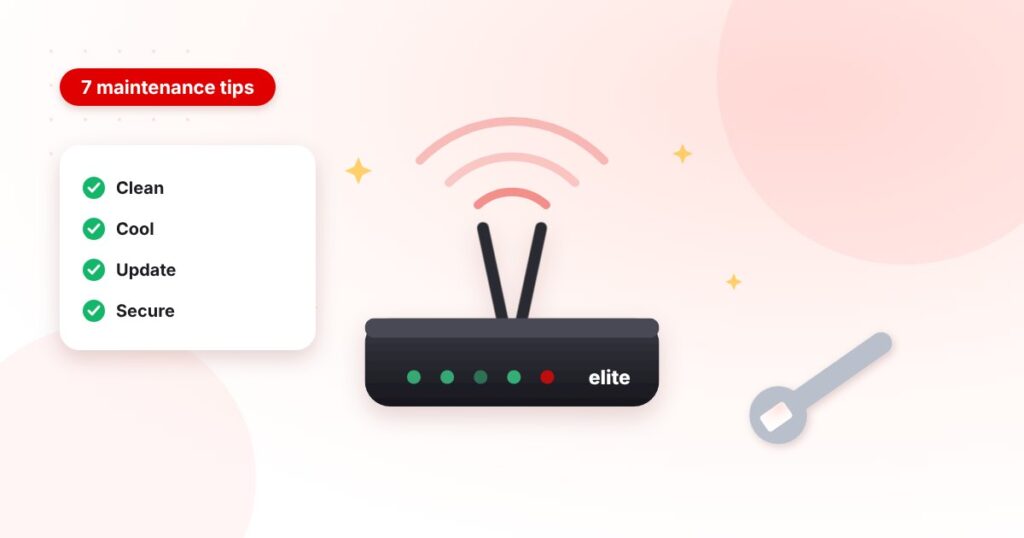
Your Wi-Fi router runs 24 hours a day, every day. A few minutes of care each month keeps it fast, stable and secure — and saves you from many “the internet is slow” evenings.
1. Keep it clean
Dust blocks the vents and traps heat. Once a month, switch the router off, unplug it and wipe the case, vents and antennas with a dry, soft cloth. Never spray liquid on it.
2. Keep it cool
Heat is the number-one cause of random drops. Place the router in an open, airy spot — not inside a closed cabinet, behind the TV or on top of another device.
3. Keep the firmware updated
Updates fix bugs, close security holes and often improve speed. Check the router’s settings page (usually 192.168.0.1 or 192.168.1.1) every few months, or ask your ISP to update it for you.
4. Keep it secure
- Change the default admin password and the Wi-Fi password.
- Use WPA2 or WPA3 encryption — never an open network.
- Turn off WPS if you don’t use it.
- Check the list of connected devices and remove any you don’t recognise.
5. Keep it away from interference
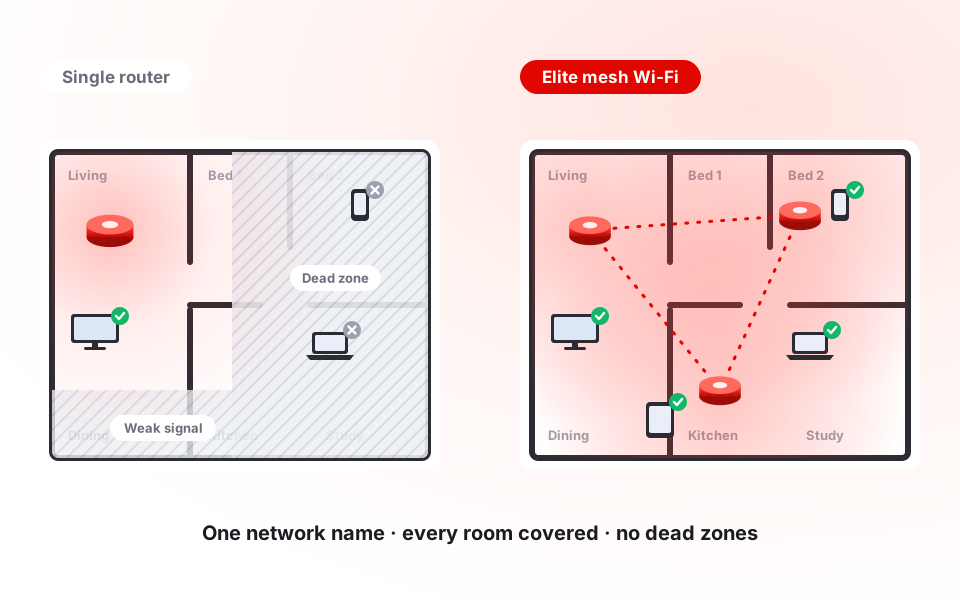
Microwaves, cordless phones, baby monitors, metal shelves, mirrors and aquariums all weaken Wi-Fi. A central, raised position in the home gives the best coverage.
6. Restart it now and then
A quick restart once a week clears memory and helps the router pick a better channel. If you need to restart it every day, call your ISP — something else is wrong.
7. Know when to upgrade
If your router is more than four or five years old, or your home has dead zones, a newer dual-band router or a mesh Wi-Fi system will make a bigger difference than a faster package.
Quick monthly checklist
| Task | How often |
|---|---|
| Dust the case and vents | Monthly |
| Restart the router | Weekly |
| Check connected devices | Monthly |
| Firmware update | Every 3 months |
| Change Wi-Fi password | Every 6 months |
Need fast, stable internet in Dhaka? Call 01930-555777 (24/7), compare packages or apply for a new connection — most installations are done within 24–48 hours.